📑 Logs
Logs are the activity records of the moving parts of your organisation: what happened around a member, a team, a plan or a storage layer.
Where the Audit trail is the organisation-wide record for compliance, logs give you the focused view: one member's activity, one plan's history.
The four log types
| Log | What it answers |
|---|---|
| Member log | What has this person done, and what was done around them? |
| Team log | How did this team's membership and plan access evolve? |
| Plan log | Who requested, approved and revealed on this plan? |
| Storage log | What moved on this storage layer? |
Where you find them
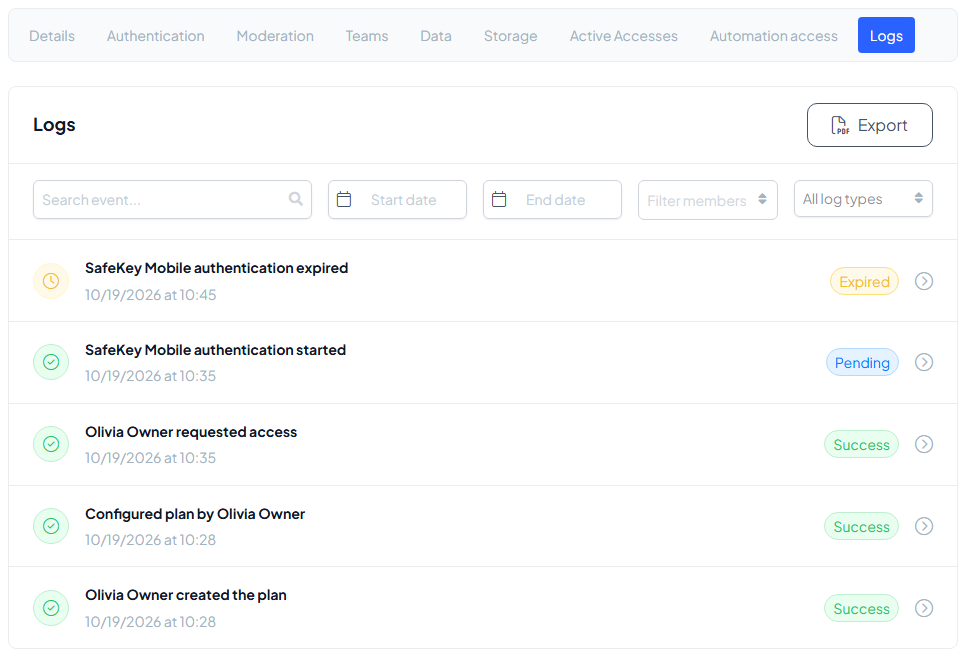
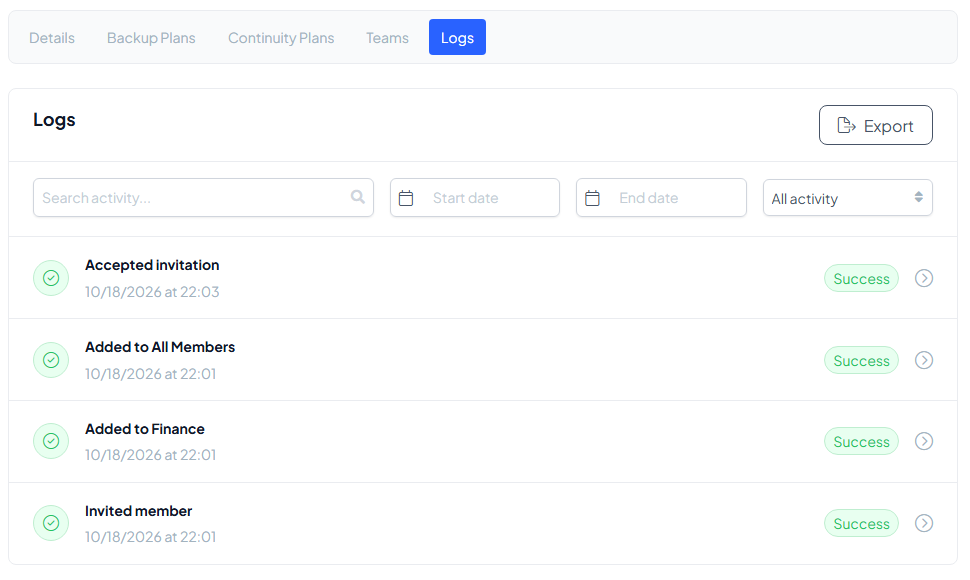
Logs are a Logs tab on the page of the thing itself: a plan, a member, a team or a storage layer. Every log lists its events with a status (Success, Pending, Expired), and you can search, pick a start and end date and filter on the type of event or the member.
A member's log tells the story of that person in the organisation, from the invitation onwards.
Exporting a log
Every log exports as a clean, compact document, in the same style as the audit trail export. Select Export, choose the date range and what to include, and pick a format: PDF, XLSX (spreadsheet) or JSON (for your own tools). The export action is available to the Organisation Owner. Use the audit trail when someone asks about the organisation; use a log when someone asks about one thing: a leaver's last months, a sensitive plan's history, a storage layer's activity.