📊 Insights
Insights answers "how is our organisation doing?" without opening a single plan. Find it under My Organisation → Insights: "Organisation analytics and operational trends."
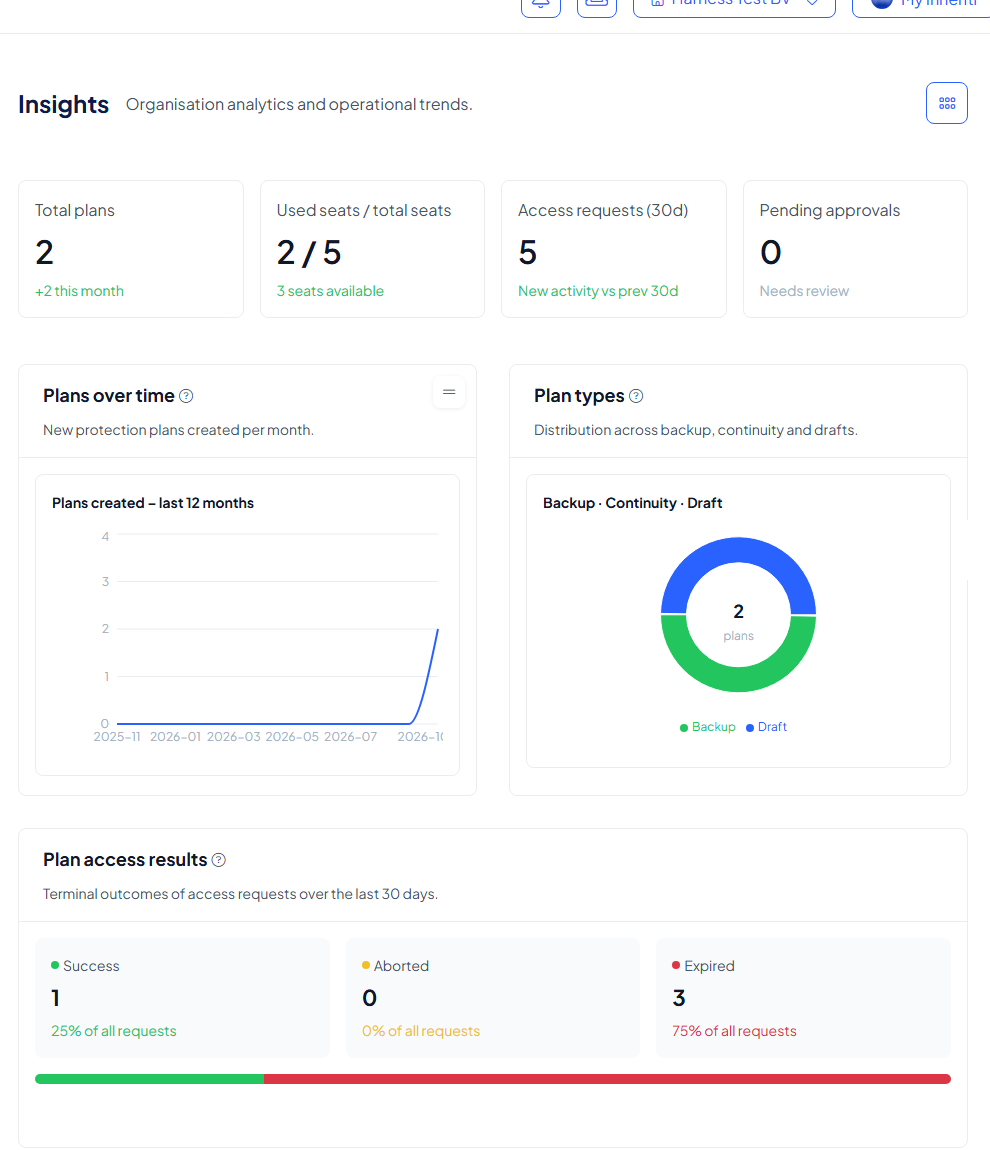
Four key figures
| Figure | What it tells you |
|---|---|
| Total plans | How many protection plans exist, and how many were added this month |
| Used seats / total seats | How many of your subscription's seats are taken, and how many are still available |
| Access requests (30d) | How many access requests were made in the last 30 days, compared with the 30 days before |
| Pending approvals | Approvals that still need a decision (Needs review) |
The charts
- Plans over time: new protection plans created per month, for the last 12 months.
- Plan types: how your plans split over Backup, Continuity and Draft. A draft is a plan whose setup was not finished.
- Plan access results: the outcomes of access requests over the last 30 days: Success, Aborted and Expired, each with its share of all requests. A request that nobody completed in time counts as Expired.
- Access & moderation activity: access requests set against moderator approval decisions, per week, for the last 8 weeks. Watch this one when moderators are slow: many requests with few approvals means requests are waiting.
Choose what Insights shows
Select the grid button at the top right (Customize insights widgets). The widgets are grouped in three tabs; tick a widget to show it, untick it to hide it, and Reset to default layout brings back the standard page.
| Tab | Widgets |
|---|---|
| Plans | Organisation summary, Plans over time, Plan types |
| Plan Access | Plan access results, Access & moderation activity, Most accessed plans, Top members by access, Access activity, Asset interactions, Interaction types, Access status, Aborted vs expired, Accesses by plan type, Access activity by member, Most copied asset fields, Asset activity over time |
| Storage layers | Storage layer usage, Hosted media capacity, Layer latency, Storage writes over time, Health check latency |
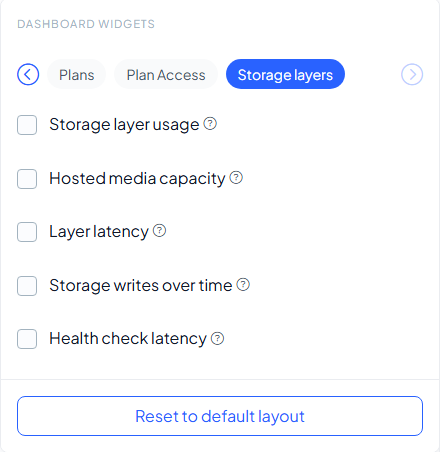
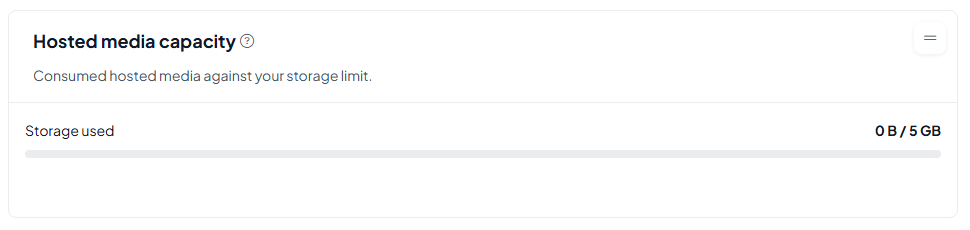
Hosted media capacity is not shown by default. It compares the hosted media your plans use with the storage in your subscription ("Consumed hosted media against your storage limit"). Running out? Add storage on the Subscription page.
How to use it
- A high share of Expired requests usually means the people asked to approve did not see the request in time. Check that your moderators have SafeKey Mobile set up and notifications on.
- Used seats helps you plan growth before you hit the limit of your subscription.
- Insights shows trends. For who did what and when, use the Audit trail or a log.