⚙️ Settings
Who can do this: The Organisation Owner.
Settings is where organisation-wide rules live: My Organisation → Settings, for the organisation owner. They set the defaults for every new plan, and they decide which switches members can change when they create one.
Managers do not see the settings, but they can open the Audit trail that sits next to them. Even in Standby mode, Settings stays available read-only, so your records never become unreachable.
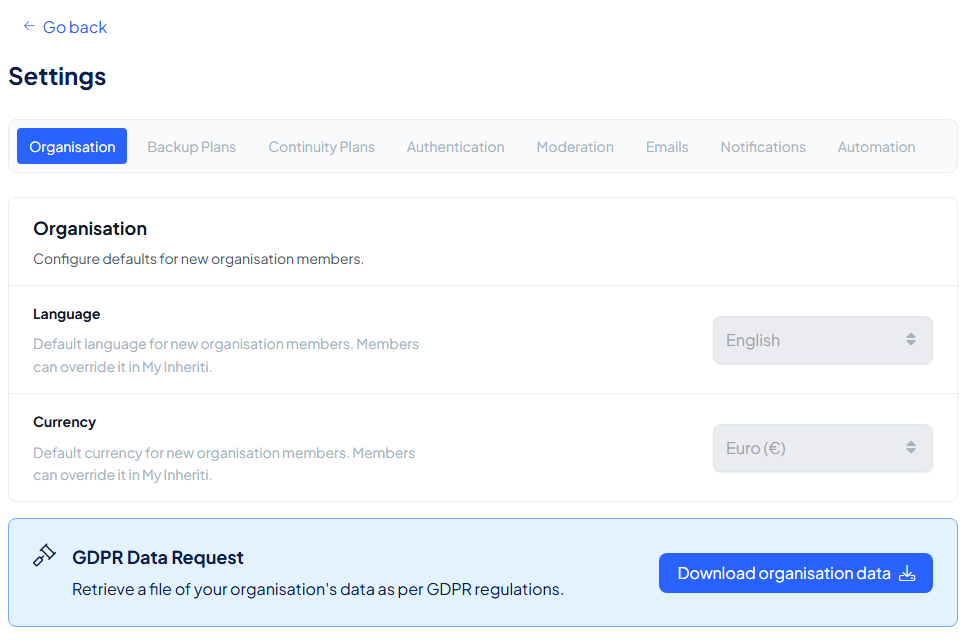
The Organisation tab also holds the GDPR Data Request: Download organisation data retrieves a file with your organisation's data.
Rules for plans
| Tab | What you can set |
|---|---|
| Organisation | The default language and currency for new members. Members can override them in their own account |
| Backup plans | How long a plan stays open after access is granted before it closes again, and whether members may create private plans |
| Continuity plans | The same access timeout, plus the Dead Man Switch defaults: which switch is pre-selected, the default countdown, and whether all enabled switches must run out before access opens |
Rules for authentication
| Setting | What it does |
|---|---|
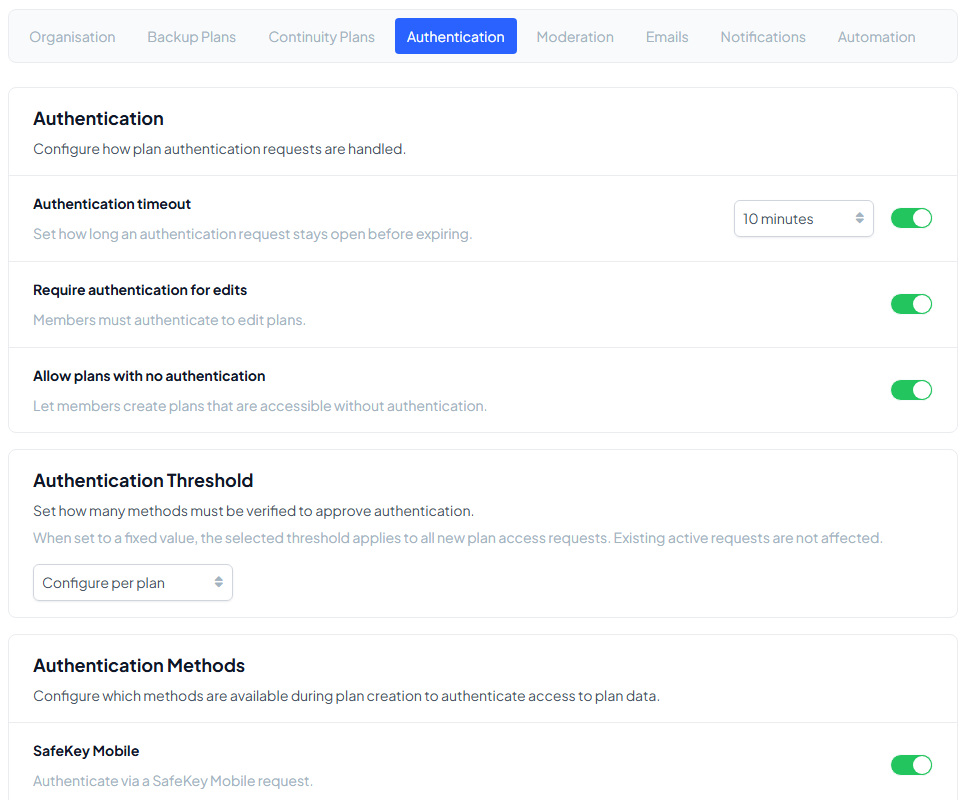
| Authentication timeout | How long an authentication request stays open before it expires |
| Require authentication for edits | Members must authenticate to edit a plan |
| Allow plans with no authentication | When off, every plan requires authentication |
| Methods | Which authentication methods members can choose when they create a plan |
| Threshold | Whether one method is enough or all methods are required, or whether each plan decides |
Rules for moderation
| Setting | What it does |
|---|---|
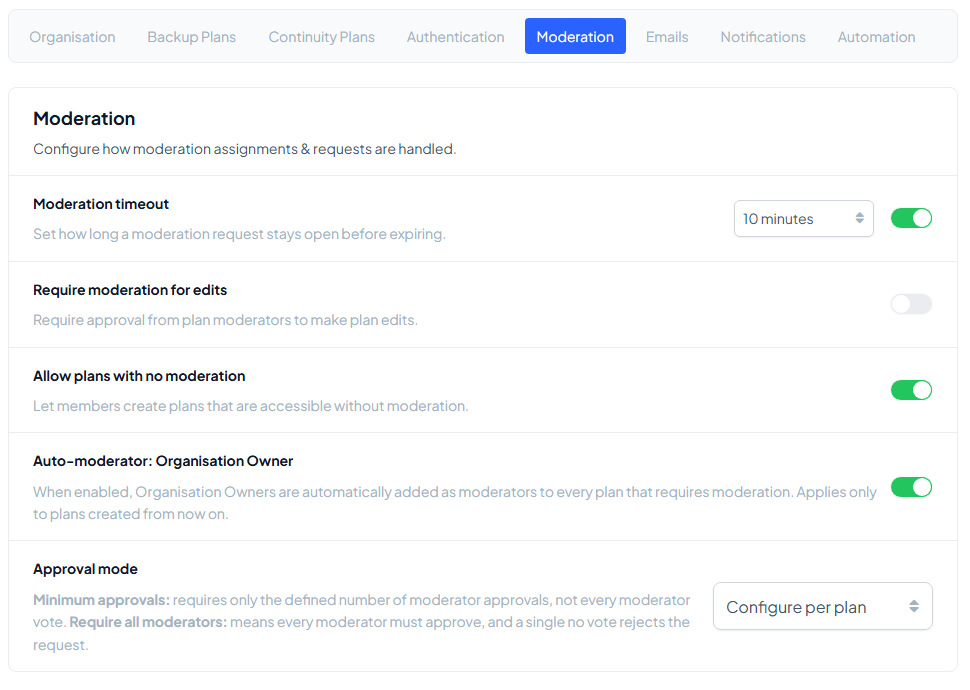
| Moderation timeout | How long a moderation request stays open before it expires |
| Require moderation for edits | Plan moderators must approve edits to a plan |
| Allow plans with no moderation | When off, every shared plan needs moderators |
| Auto-moderator: Organisation Owner | Adds the owner as moderator to every new plan that requires moderation |
| Approval mode | A threshold such as two of three, everyone (unanimous), or decided per plan |
Emails and notifications
Choose which emails the organisation sends (for example moderator requests, subscription changes and storage layer alerts) and which events alert members in the app or on their phone. Each member also sets their own e-mails and browser alerts: see Notifications and your profile.
Automation
The Automation tab lists the automation connections: the cloud identities (GitHub, Google Cloud, AWS or a custom runner) that approved automation can use to reach protected plans.
When a switch is locked while you create a plan, a setting on this page decides it. For example, with Allow plans with no authentication off, Require Authentication is locked on for every plan.