💶 Billing
Who can do this: The Organisation Owner.
Billing lives in My Organisation → Billing, and only the organisation owner can reach it.
Your billing profile
The billing profile holds the company details that appear on invoices:
- Legal name and address
- VAT number
- Billing contact
Keep it current, and every invoice comes out right.
Invoices
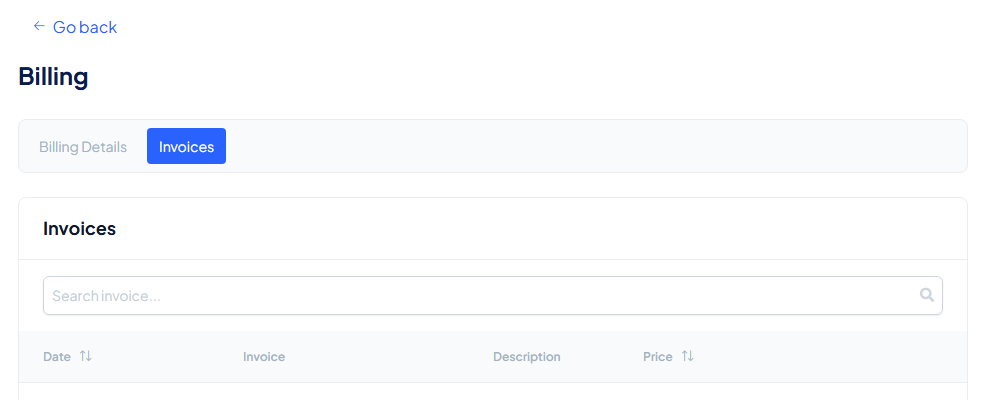
Invoices are created automatically for every payment and stay available for download, so your bookkeeping never depends on an email.
Subscriptions are billed monthly or yearly, by card. Yearly billing costs less than paying monthly.
Which tier and how many seats you pay for is set on the Subscription page. To turn the trial into a subscription, see Upgrade your subscription.
Change your billing details
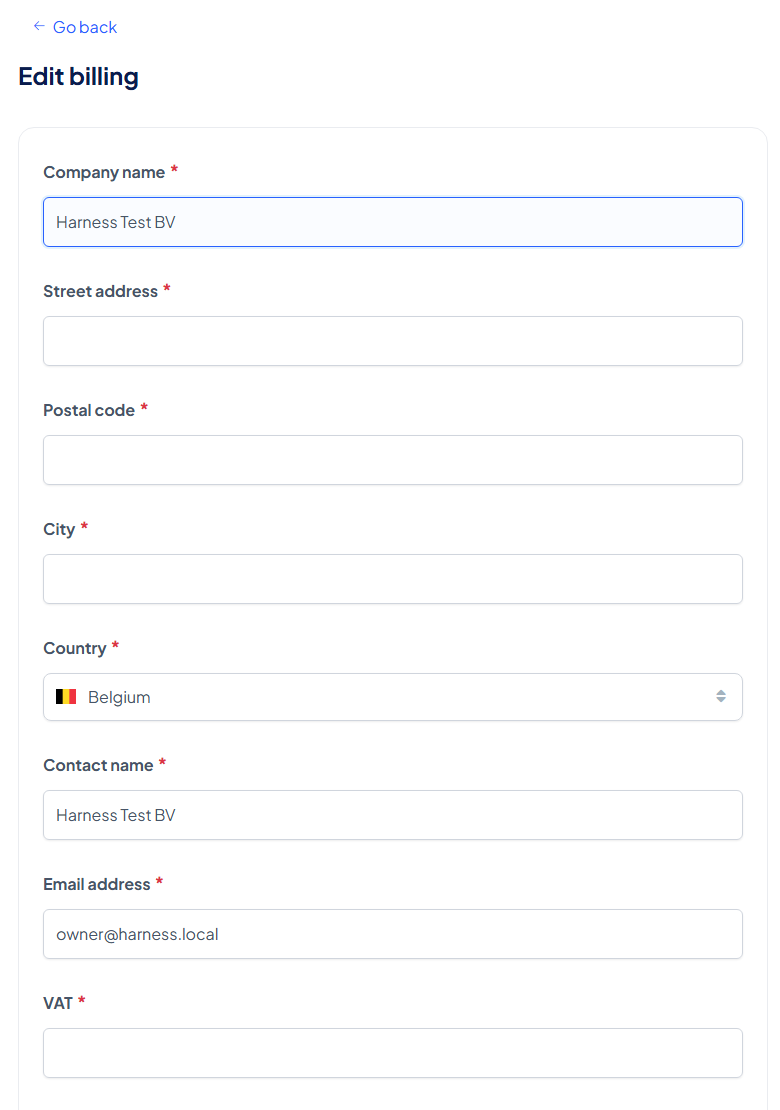
Select Edit billing info on the Billing Details tab. The page Edit billing asks for the Company name, Street address, Postal code, City, Country, Contact name, Email address and VAT. All are required. Select Save changes, or Cancel to leave without saving.
Find an invoice
Open the Invoices tab. Each row shows the Date, the Invoice, a Description and the Price. Before your first payment the list says No invoices.