🛡️ Inheriti® Guard
Inheriti® Guard is a Chrome extension with a side panel. It does two jobs: it fills website fields from a protection plan after the plan's approvals, and it adds browser safeguards for the time you work with protected data. It never submits a form for you.
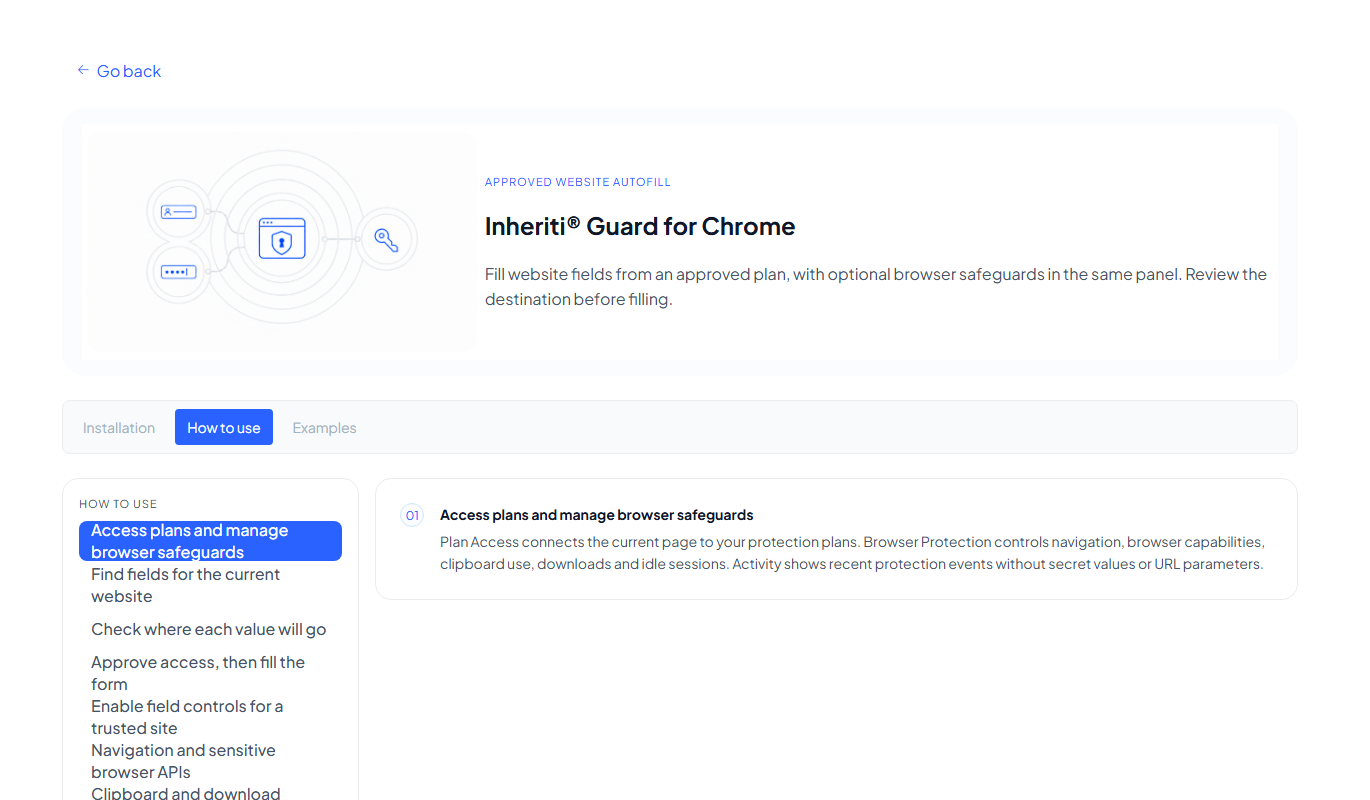
Install
Download the Guard ZIP and extract it. In Chrome open chrome://extensions, turn on Developer mode, select Load unpacked and choose the extracted folder. Then pin Guard from Chrome's Extensions menu and open it to get the side panel. Sign in with your Inheriti® Business account and choose your organisation.
The panel at a glance
- Plan Access connects the page you are on to your protection plans.
- Browser Protection controls navigation, browser capabilities, the clipboard, downloads and idle sessions.
- Activity shows recent protection events, without secret values or URL parameters.
Fill a login form
- Find the plan. Choose your organisation, open My plans and search. You can look at a plan's assets and field names without revealing a value.
- Look at this site. In This site, Guard scans the login fields on the current page and can suggest matching protected fields.
- Check where each value will go. Review every match between a plan field and a page field. Accept a suggestion, replace it, remove it, or choose Select field on page and click the right input when the form is unusual. One fill uses fields from one plan.
- Approve and fill. Select Reveal and autofill. The plan's access flow runs. Guard shows progress and a result for each field.
- Submit it yourself. Guard does not submit the form.
If an access flow is interrupted, the panel offers Resume reveal or Discard. Cancel stops the current reveal. Abort open access ends an unfinished plan request.
Controls beside the fields
The side panel works without anything on the page. If you use a site often, choose Enable autofill on this site to get small controls beside its compatible fields. This permission is for that exact site only. Disable on this site removes it, and Revoke all site access removes every site permission.
Browser safeguards
Turn on Browser Protection before you handle plan fields. Each safeguard can be switched on its own:
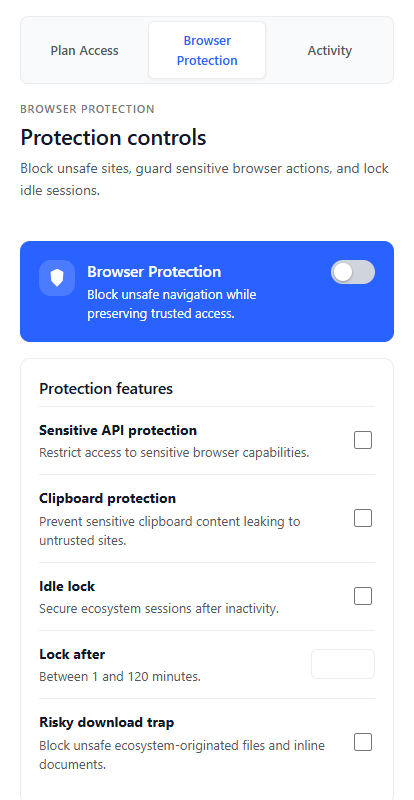
| Safeguard | What it does |
|---|---|
| Navigation | Blocks navigation outside Guard's list of trusted sites (Inheriti and identity pages) while you work |
| Sensitive API protection | Restricts capabilities such as clipboard and location on untrusted pages |
| Clipboard protection | Stops untrusted pages from reading the clipboard while an Inheriti session is open, or from using recently copied sensitive content |
| Risky download trap | Blocks selected executable or active-content files and inline documents from Inheriti pages |
| Idle lock | Ends an open Inheriti session after a period without activity. You choose 1 to 120 minutes |
| Secure Logoff | Ends Plan Access work, closes Inheriti tabs and clears scoped session data. Use it on a shared or unattended computer |
Whenever a safeguard steps in, Guard records an event in Activity. The newest events come first, and you can clear the list.
If something goes wrong
- The form does not match: use Select field on page to point at the right input, and review the mapping before you reveal. Press Escape if you picked the wrong form.
- A page is blocked: Guard blocks pages outside its trusted list while Browser Protection is on. Check Activity for the event.
- You were signed out: Idle lock ended the session. Sign in again before you continue.
Next: Inheriti® Database Importer.