👥 Create a team
Who can do this: Owners and Managers.
Teams are how access is granted in Inheriti® Business: plans point at teams, never at individuals. Create one, add members, and give your plans to the team. Creating and managing teams is reserved for Organisation Owners and Managers.
Create the team
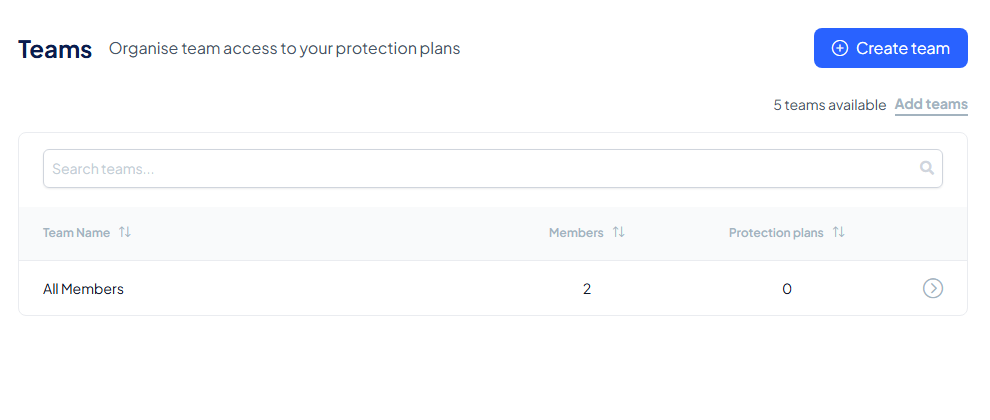
Go to Teams and select Create team.
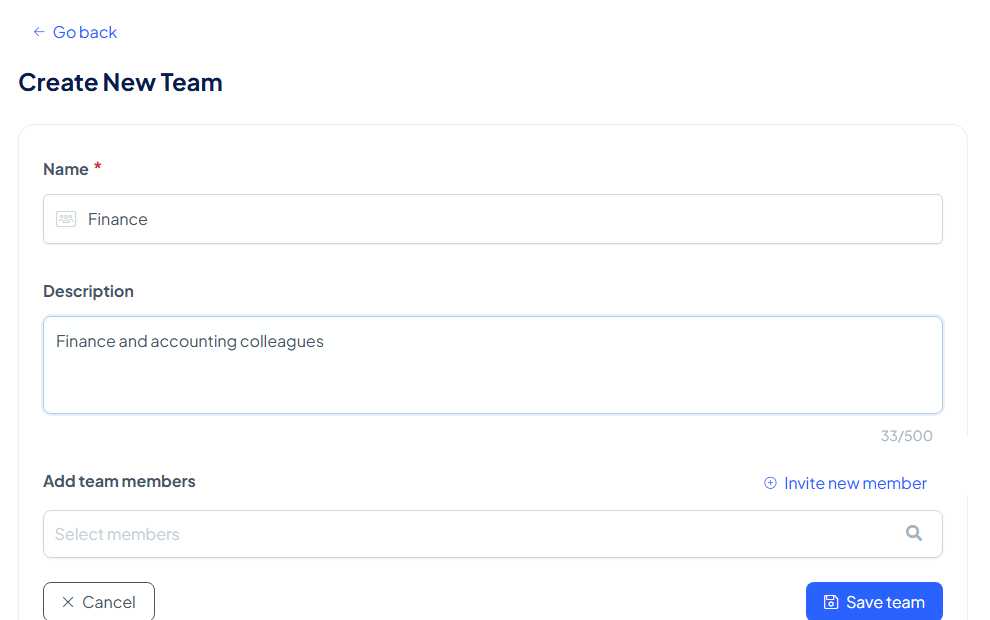
- Give the team a name your organisation recognises: a department, a responsibility or a client.
- Add a short description so members know what belongs here.
- Add the team members: search the list and add who belongs. Someone missing from the organisation entirely? Invite new member sits right there, so you never have to leave the form.
- Save team.
After saving
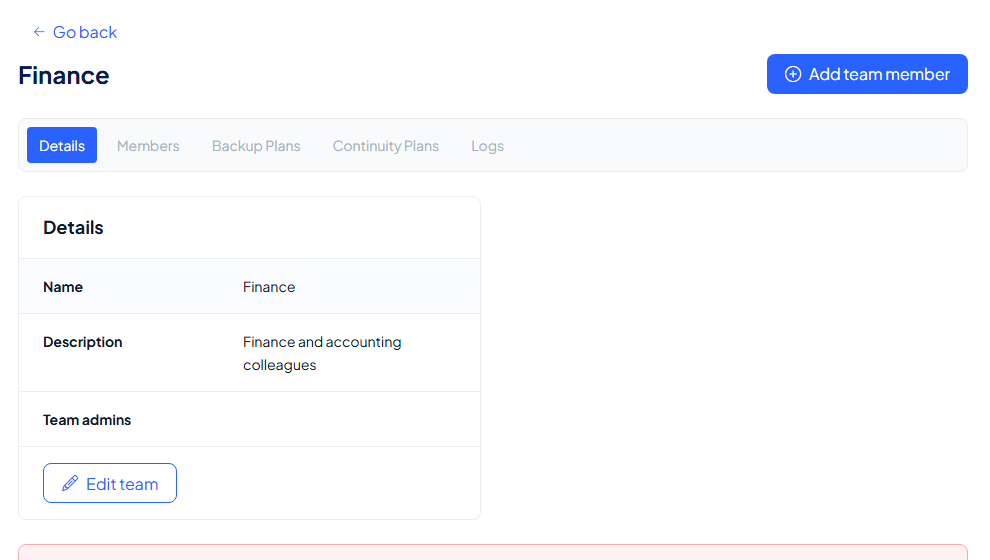
You land on the team's detail page: its name and description, its Team admins, and tabs for everything the team touches: Details, Members, Backup Plans, Continuity Plans and Logs.
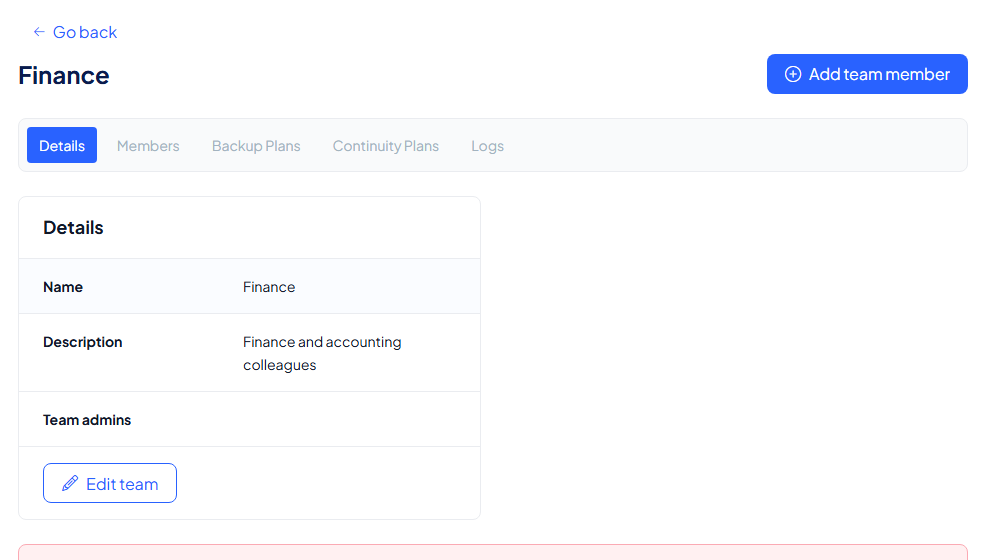
From here the team is ready to receive plans: any protection plan shared with this team is accessible to its members, and membership changes apply immediately, with nothing to re-share.
Add members later
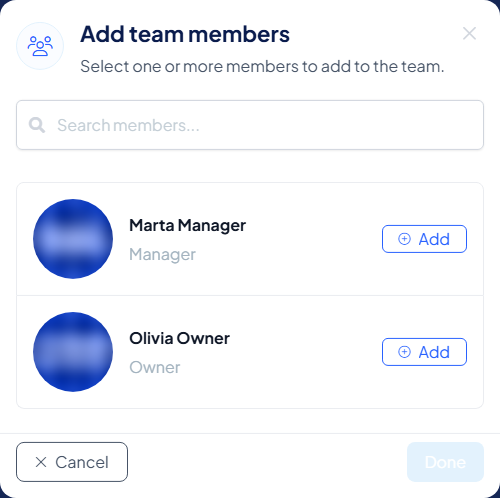
People join and move: open the team and select Add team member.
Select Add next to each member you want, then Done. Removing works the same way, and takes effect the second you confirm.