🗝️ Claim the Organisation Key
Who can do this: Every member, once the key has been distributed to you. The Owner claims their own key while creating the organisation.
Just joined an organisation? One step stands between you and its protection plans: claiming the Organisation Key. It happens on your phone, takes a minute, and you need no security knowledge.
This guide is for members; distributing the key to members is the organisation's side of the same story.
Get your phone ready
If you have not already during joining:
- Install SafeKey Mobile: your dashboard shows a banner with the App Store and Google Play QR codes.
- Sign in with your SafeID: the same account you use for Inheriti® Business. You never sign up twice.
Your dashboard's getting-started checklist tracks exactly this: Download SafeKey Mobile · Sign in with your SafeID · Claim the Organisation Key.
Wait for the key
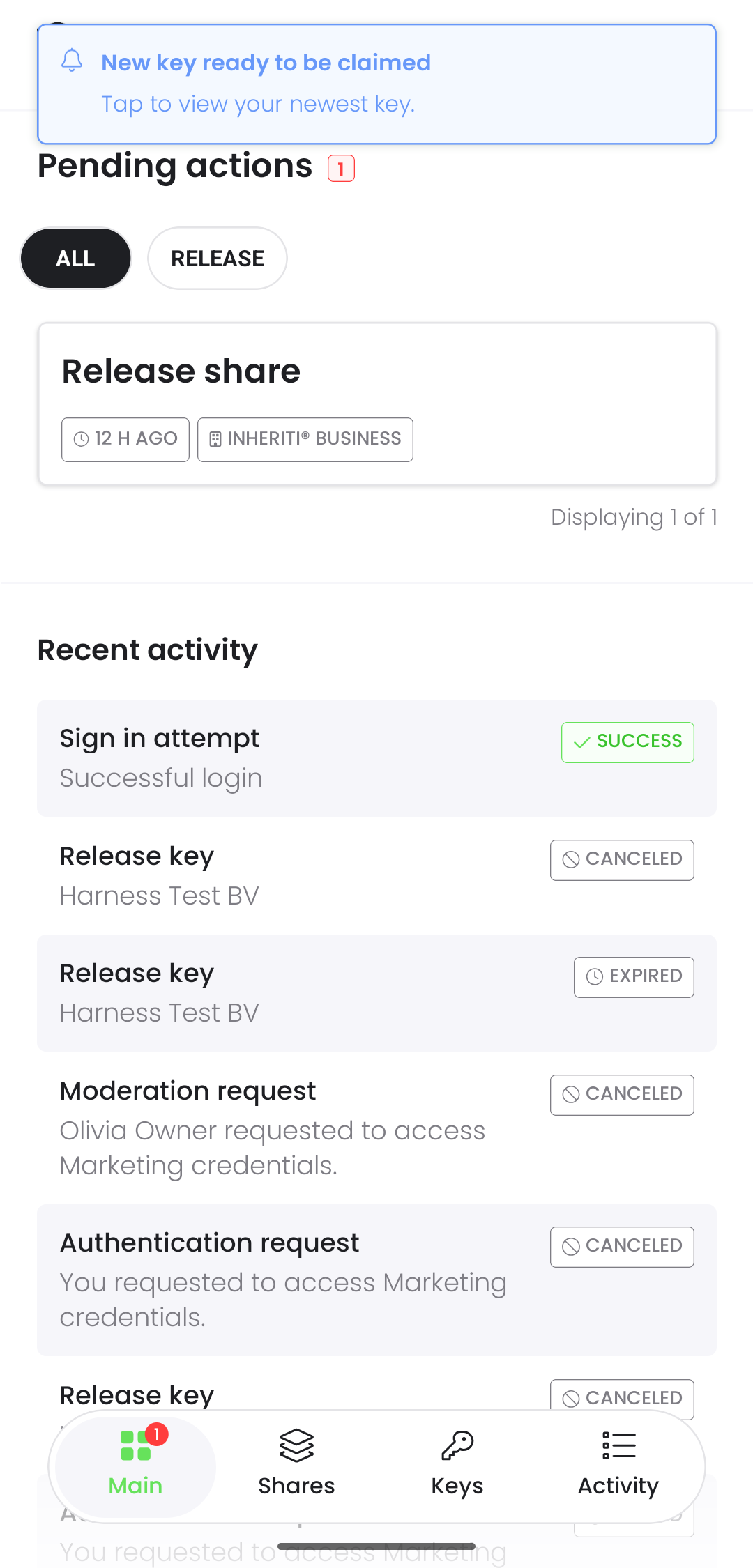
The key is distributed to you by your organisation. The moment it is ready, SafeKey Mobile tells you with a push notification: "New key ready to be claimed", and the claim appears under Pending actions.
Claim it
The pending action is titled Claim key and shows your organisation's name with a Claim button. Select Claim. That is genuinely all of it.
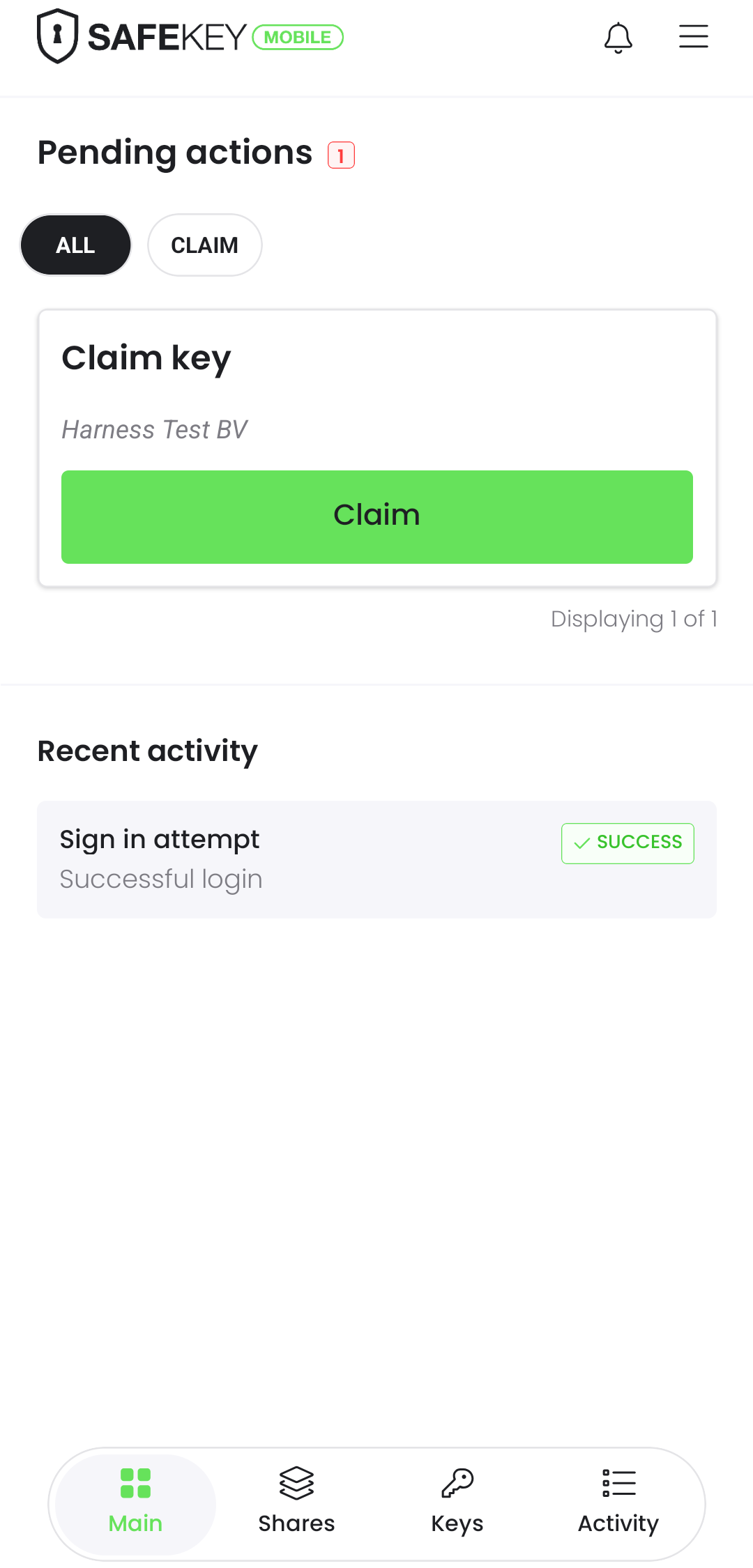
Behind that tap, the Organisation Key is sealed to your device with a key pair that never leaves your phone. You never see or enter a recovery key: only the organisation owner holds the Organisation Recovery Key.
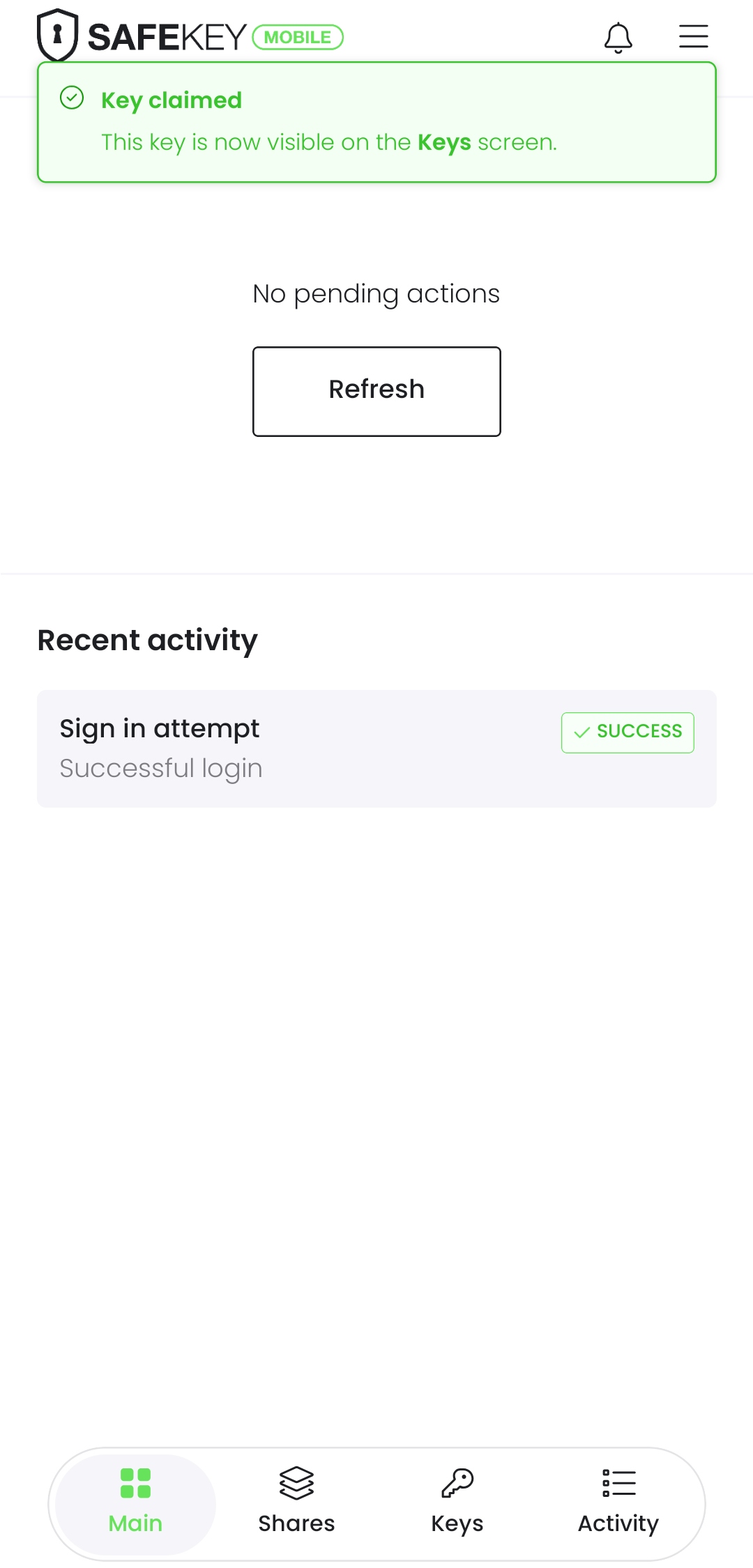
The confirmation is immediate: "Key claimed: this key is now visible on the Keys screen", the pending action is gone, and Claim key appears under Recent activity as Claimed.
What you now have
- Your dashboard's member card flips to Key active, and you can reach every plan your teams give you access to.
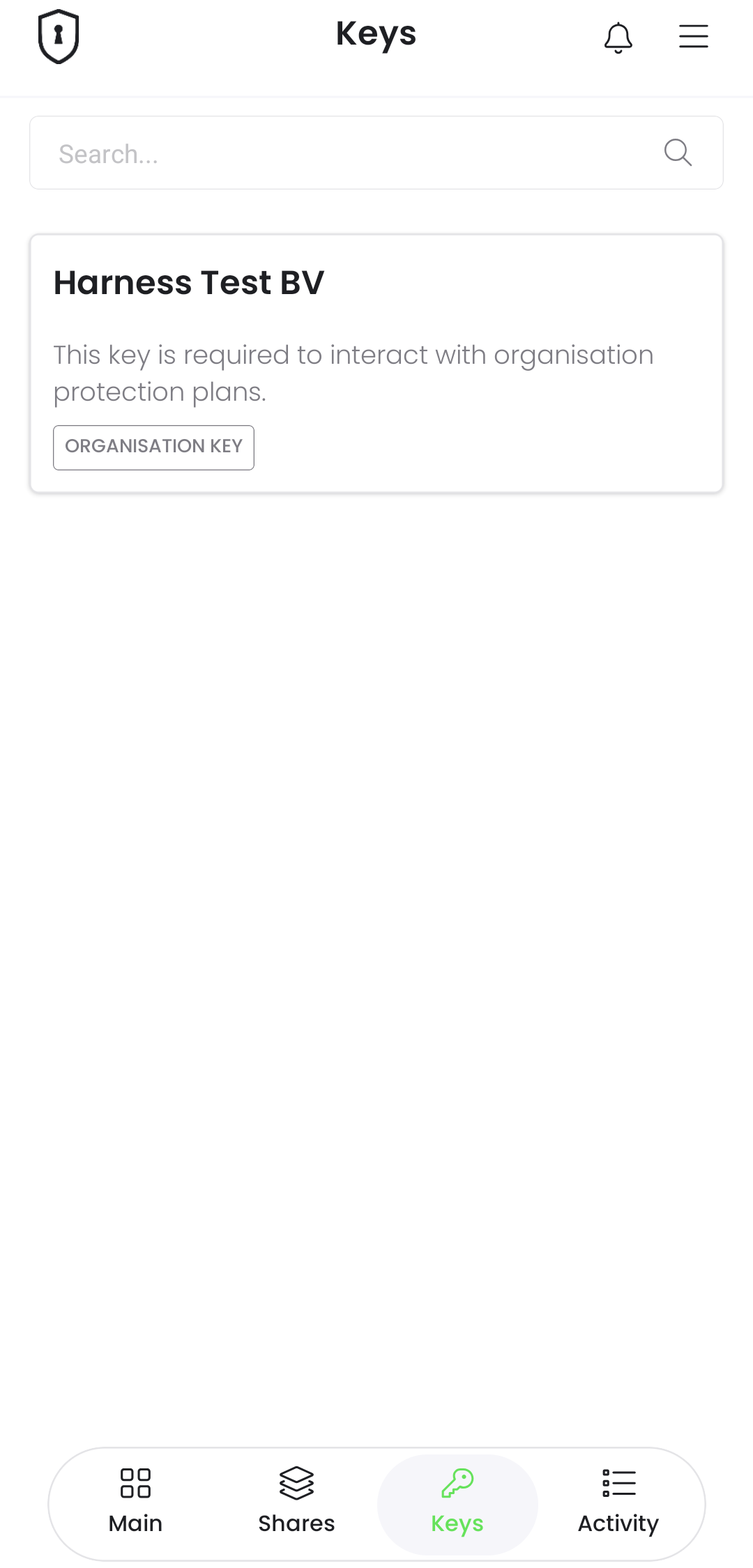
- The key lives in SafeKey Mobile under Keys, as a card with your organisation's name, the text "This key is required to interact with organisation protection plans." and an Organisation key label.
In a hurry when you joined? No problem: the claim waits for you under Pending actions, and your dashboard keeps reminding you until it is done.
Next: access a protection plan.