🗄️ Manage storage layers
Who can do this: The Organisation Owner.
See where your organisation's shares live and manage the layers that hold them. Go to My Organisation → Storage Layers; connecting and configuring layers is reserved for the Organisation Owner.
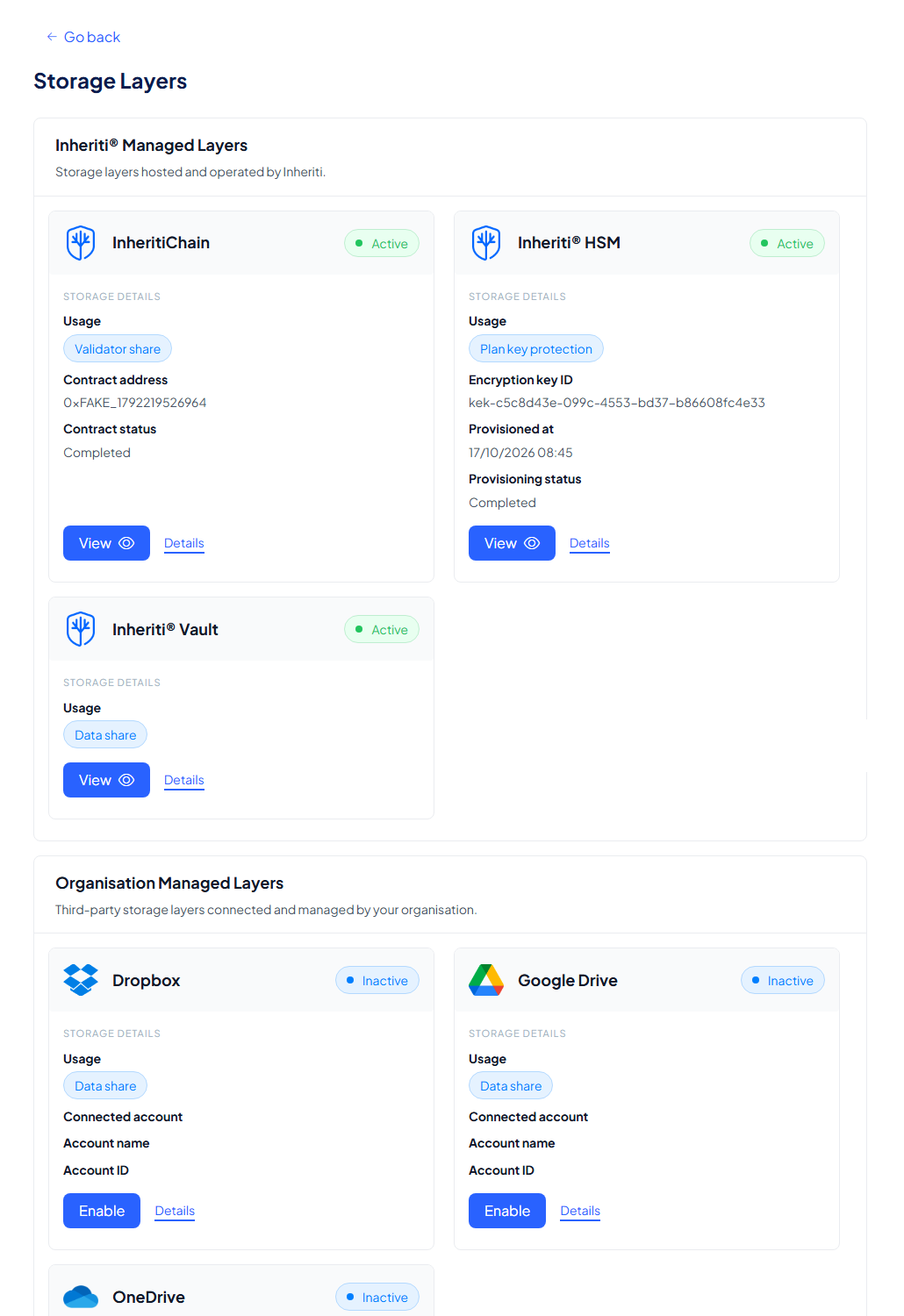
Inheriti® Managed Layers
The top section shows the layers hosted and operated by Inheriti®: InheritiChain, the Inheriti® HSM and the Inheriti® Vault. They are included in every tier, always enabled, and there is nothing for you to maintain.
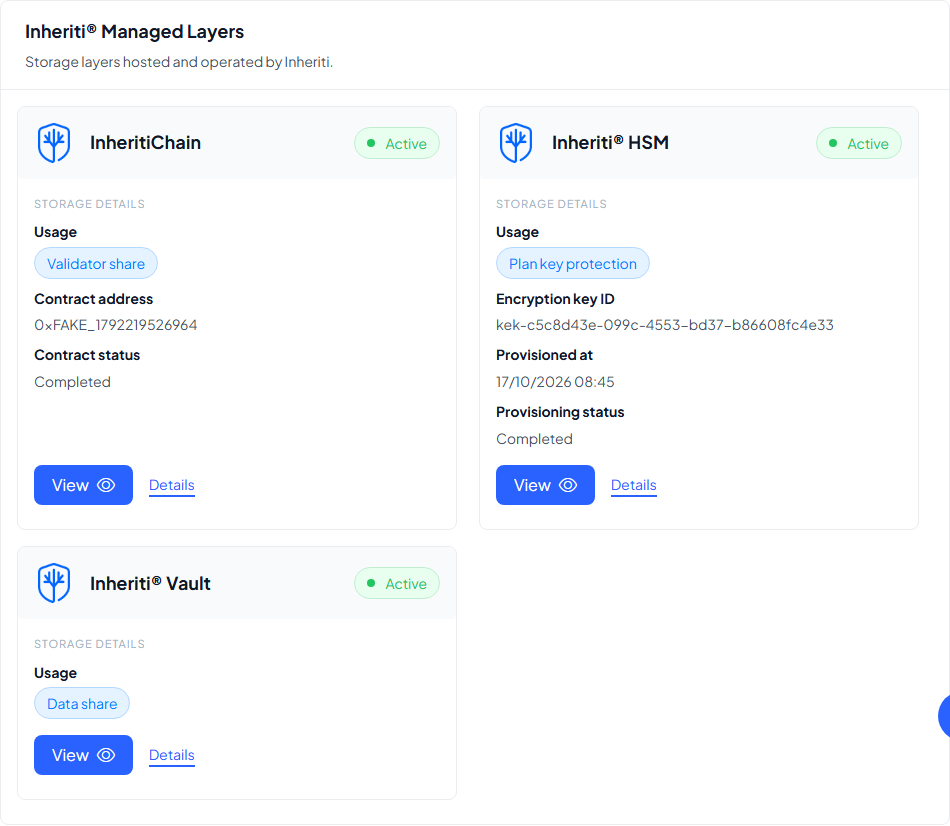
Each card shows what the layer does for your plans, and the technical details that prove it:
| Layer | Usage | Details on the card |
|---|---|---|
| InheritiChain | Validator share | Your organisation's contract address and its status |
| Inheriti® HSM | Plan key protection | Your encryption key ID, provisioned date and status |
| Inheriti® Vault | Data share | Always on, no configuration to show |
View opens the layer's own pages: the plans stored on it and its logs. Details explains what the layer is and how it is used.
Organisation Managed Layers
The bottom section lists the third-party layers your organisation connects and manages itself: Dropbox, Google Drive and OneDrive. These are optional paid add-ons; once connected, they receive encrypted data shares exactly like the built-in layers.
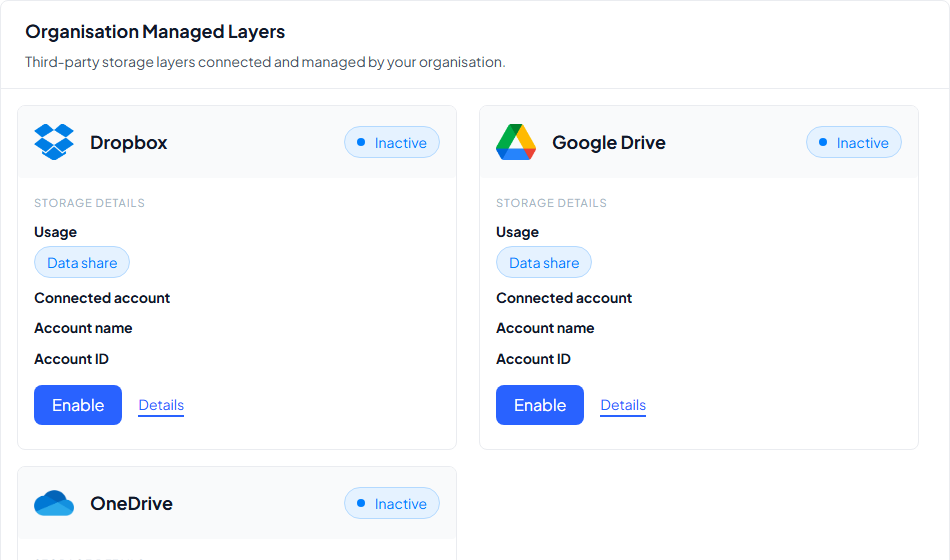
Once a layer is active, its card shows the connected account details. Enable starts the connection: see Enable cloud connectors for the walkthrough.
What you cannot break
There is no way to switch off a layer your plans depend on: the three Inheriti® managed layers cannot be disabled. Your shares stay distributed, your governance keeps working, and the worst this page lets you do is disconnect a backup cloud you added yourself.